 Vellm
Vellm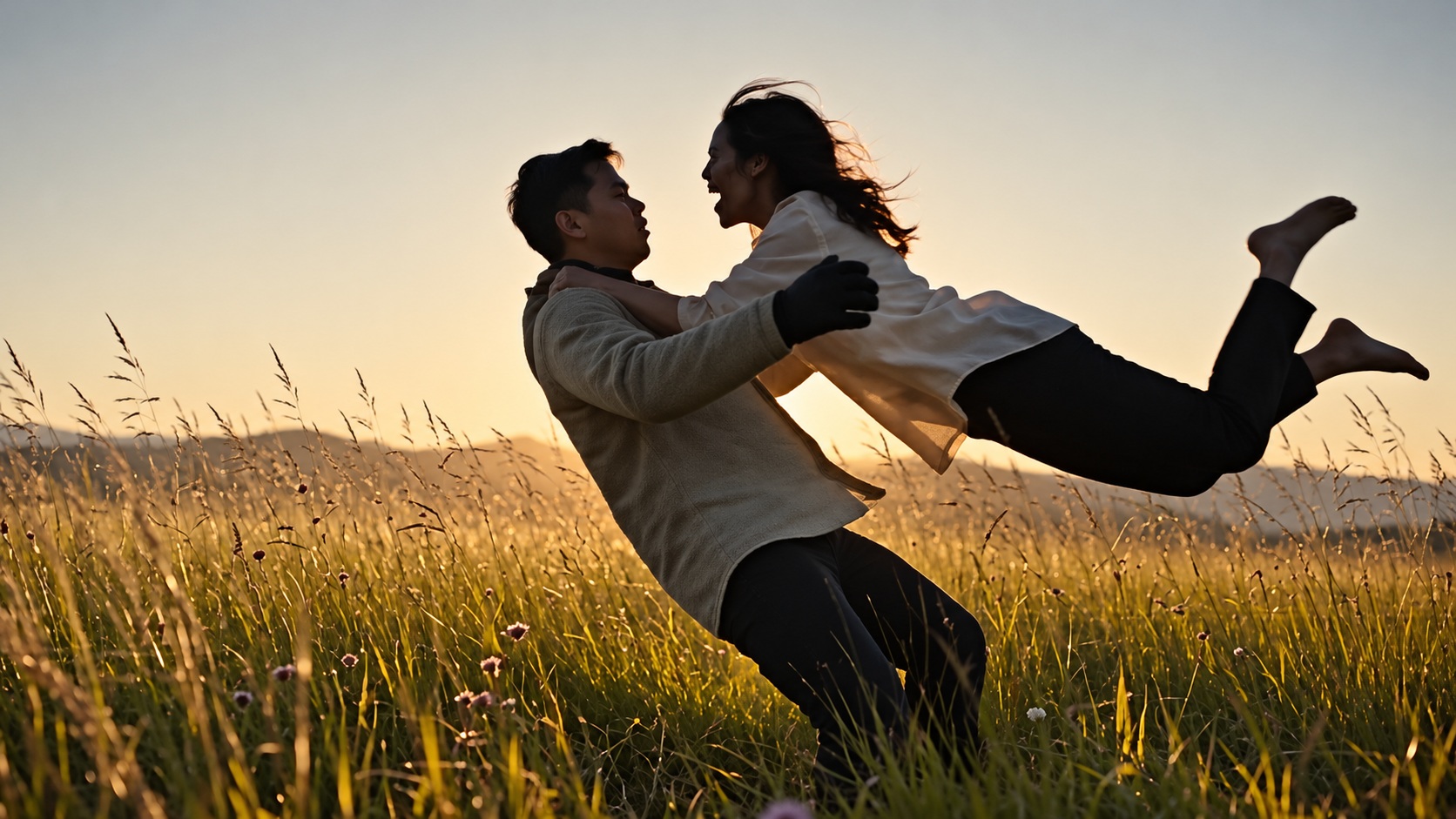
Watch this reference on Facebook.
View original post ↗Zombie Couple
Turn your photos into a zombie love story. A tearful standoff becomes an embrace, then a warm memory at sunset. A 10-second silent video in landscape 16:9.
50 credits · from $3.33 / videoWith the 600-credit pack ($39.99 total). Taxes calculated at checkout.See prices
Create your video
Your photos
0 of 2 required
Add your photos
0 of 2 added
The survivor
Photo 1: one person who has agreed to appear who lowers the gunThe zombie partner
Photo 2: one person who has agreed to appear who has turnedPhoto tips
- Use two separate photos, with one person in each. Photo 1 plays the survivor; Photo 2 plays the zombie partner. Both photos are required, and both people must agree to appear.
- Clear, evenly lit face and upper body; no sunglasses or face coverings
- Choose each person’s role using the two upload slots.
Use photos you have permission to use.
QualityHD · 1080pChange
We’ll email a link to the email you use at checkout. No sign-in is needed to view your video.
About this trend & references
A love story in four moments
The standoff
Photo 1 is the survivor holding the gun. Photo 2 is the partner who has turned. The reference opens in a cold, dark cabin.
Choose the embrace
The survivor lowers the gun and opens their arms. Their partner rushes forward, and the movement carries into an embrace.
Remember the warmth
The same couple, both human, embrace and smile in a sunlit field.
End at sunset
Walk hand in hand, then sit together at sunset. The sequence follows the reference in a fixed 16:9 frame, with a 10-second silent output.
Trend references
Credit does not establish trend ownership or permission to reuse a creator’s work.
Choose a photo for each role
Photo 1: the survivor. This person lowers the gun during the standoff.
Photo 2: the zombie partner. This is the person who has turned. The story moves from the standoff into an embrace, then a memory at sunset.
Use two separate photos, with one person in each. Photo 1 plays the survivor; Photo 2 plays the zombie partner. Both photos are required, and both people must agree to appear.
Anyone shown in an uploaded photo must be 18 or older and have agreed to appear.
AI video looks wrong? What to change before you try againYour video, at a glance
- Length
- 10 seconds
- Format
- 16:9
- Export
- 1080p enhanced
- Sound
- Silent video
- Watermark
- None
- Per generation
- 50 credits
USD 4.49 buys 50 credits, enough for one video with this template. This is a one-time purchase. Taxes are shown at checkout.
One-time credit packs are available. A subscription is optional. See current prices.
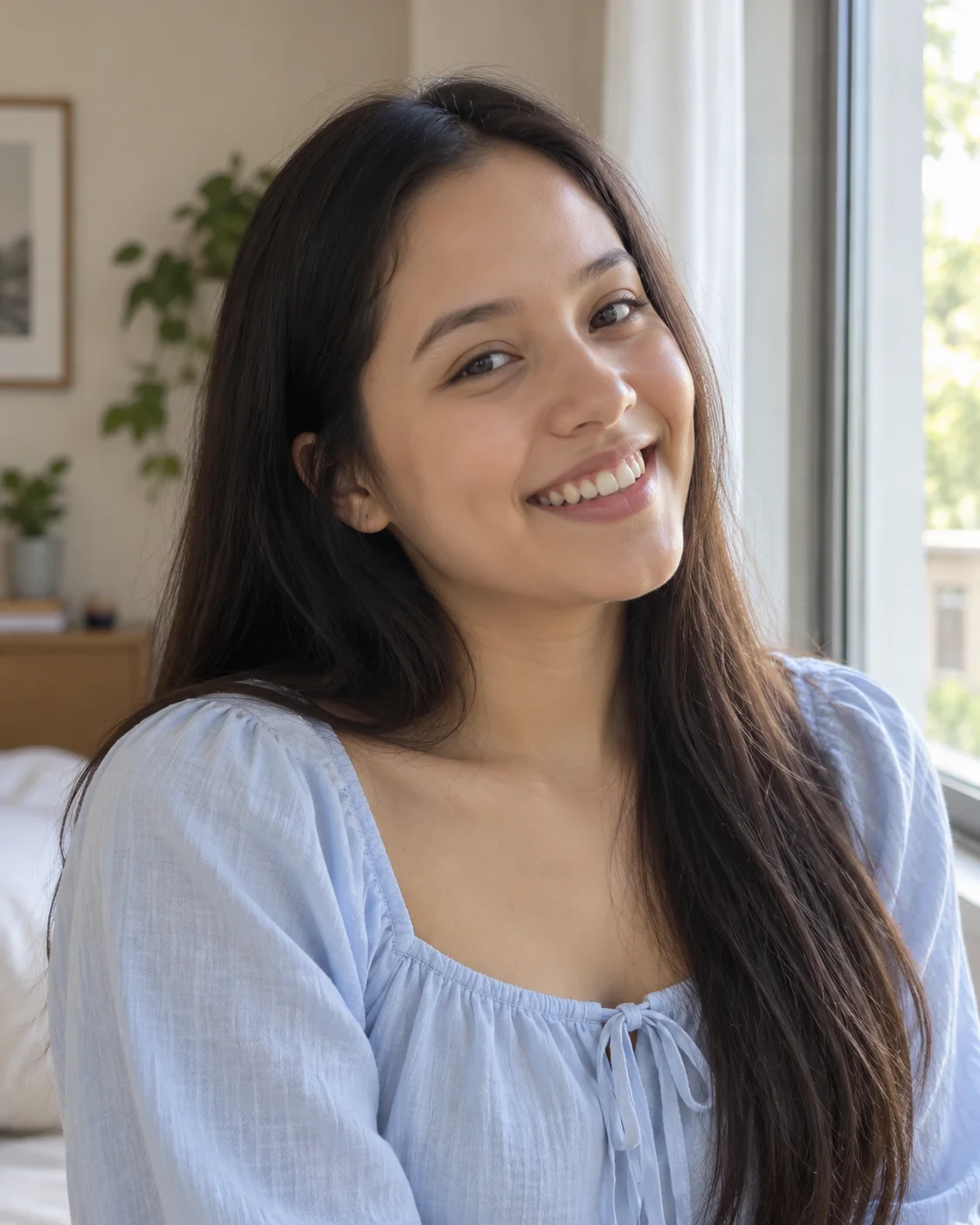
Two portraits for the story
Everyday AI portraits based on the people in the reference video, shown as framing examples.

Before you generate
What happens in the Zombie Couple video?
A short zombie love story. A tearful standoff in a dark cabin turns into an embrace, then a warm memory in a sunlit field, ending with the couple together at sunset.
How many photos do I need, and who plays which role?
Two photos, one person in each. Photo 1 plays the survivor who lowers the gun; Photo 2 plays the partner who has turned into a zombie. Both photos are required.
Whose photos can I use?
Photos of two adults who are 18 or older and have both agreed to appear. Use clear, evenly lit photos of the face and upper body, without sunglasses or face coverings.
How long is the video, and in what format?
10 seconds, landscape 16:9, with a 1080p enhanced export and no sound.
How much does one Zombie Couple video cost?
50 credits. The smallest one-time pack that covers it is 50 credits for USD 4.49. No subscription is needed.
Can I change the scene or orientation?
No. The story follows the reference sequence in a fixed landscape 16:9 frame.
Is sound included?
The video exports without sound. Add music available for your account and intended use in your posting app, then check the timing before sharing.
Will it match the reference?
The reference guides the scene sequence. AI can change faces, hands and movement. Check both people through the embrace and the cut to the sunset scene. A new generation uses another 50 credits and may look different.
What if generation fails?
A failed generation returns the credits it used. This is a credit return, not a cash refund. For a completed result or billing issue, contact support. See the service terms for details.
Will my video have a watermark?
No. Your downloaded video has no watermark.
How long does generation take?
Generation usually takes about 10–15 minutes. It can take longer when the service is busy. We email you when your video is ready.
Do I need an account?
No account is needed for a one-time purchase. Use your checkout email to recover your creations. If you create a video while signed in, use the same account to view it.
What if I don’t like the result?
AI results vary, and a new generation uses credits. If you run into a technical problem, email support@vellm.app.
Can I get a refund?
You can request a refund for a one-time credit pack within 7 days of purchase if none of its credits have been used. Email support@vellm.app. See our terms for details and your consumer rights.
How long do you keep my photos and videos?
Photos are scheduled for deletion after 7 days and videos after 30 days. Download your video before it expires. See our Privacy Policy for details.
contact support · Terms of Service · Privacy Policy
How credits and video costs work